


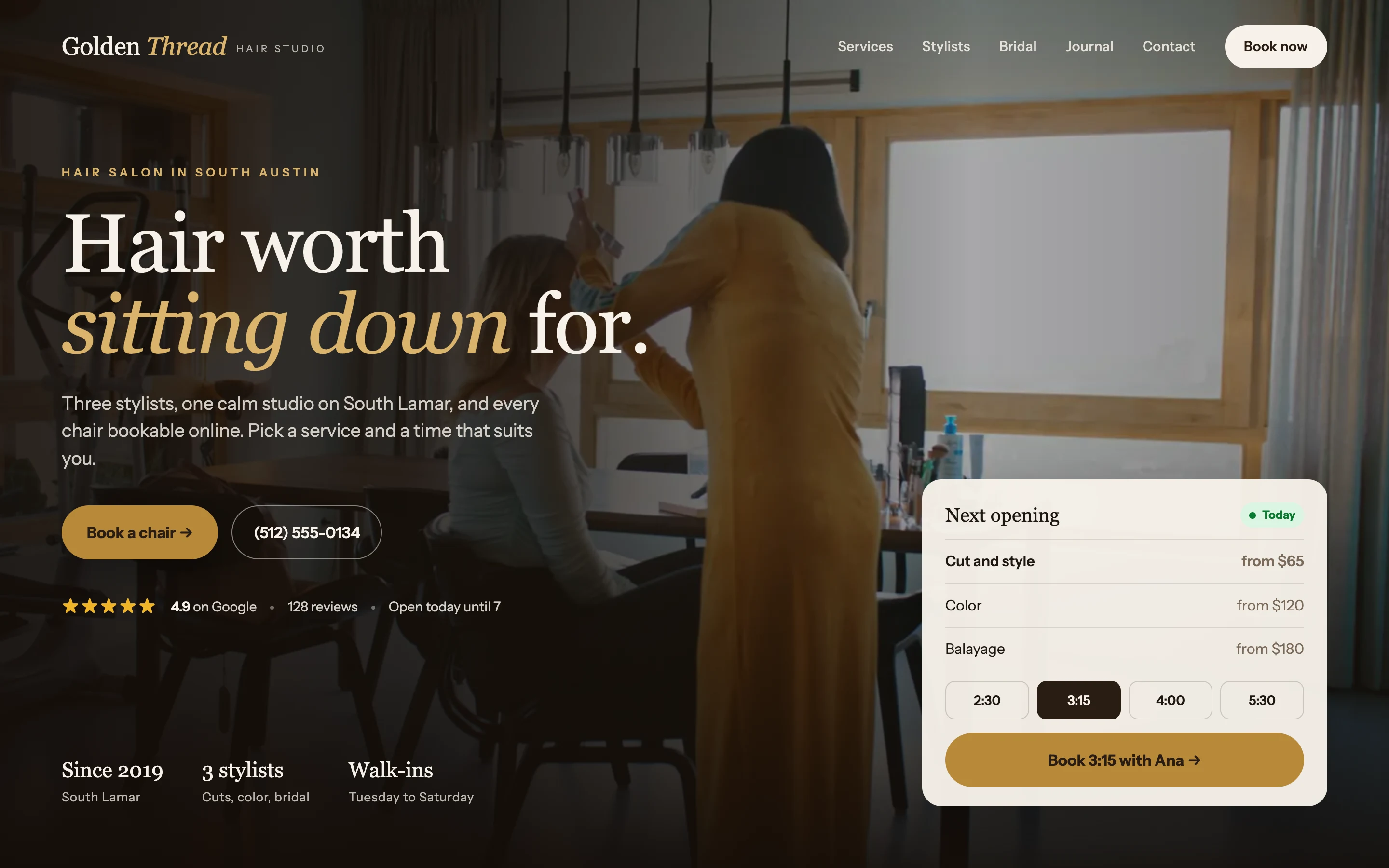
 Golden Thread Hair Studio Hair salon, Austin
The perfect business website,
done in minutes with AI.
Your website in minutes, with an AI team behind it.
Free to start. No card. Live in about three minutes.
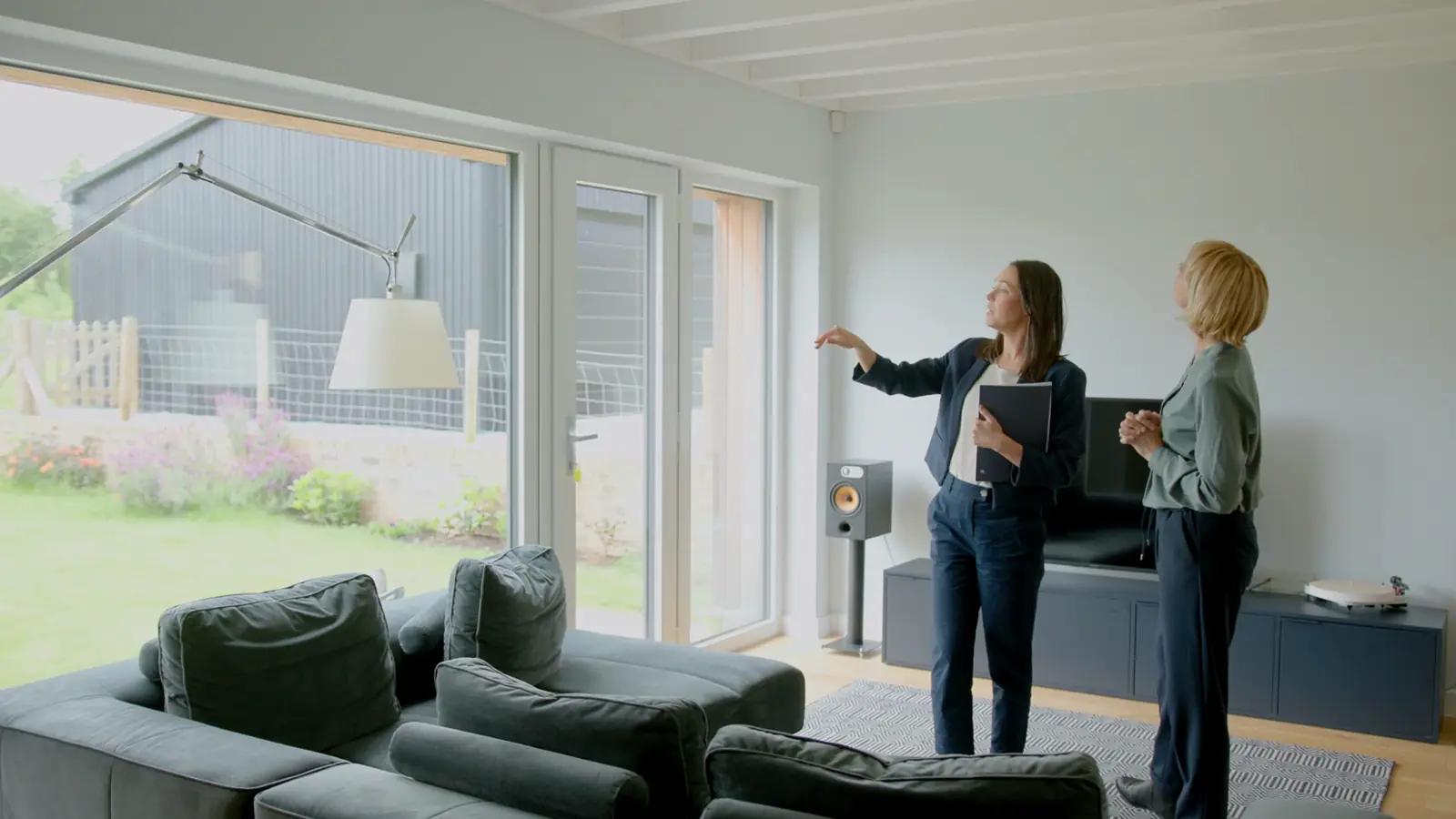
Already have a website? Make it betterGolden Thread Hair Studio Hair salon, Austin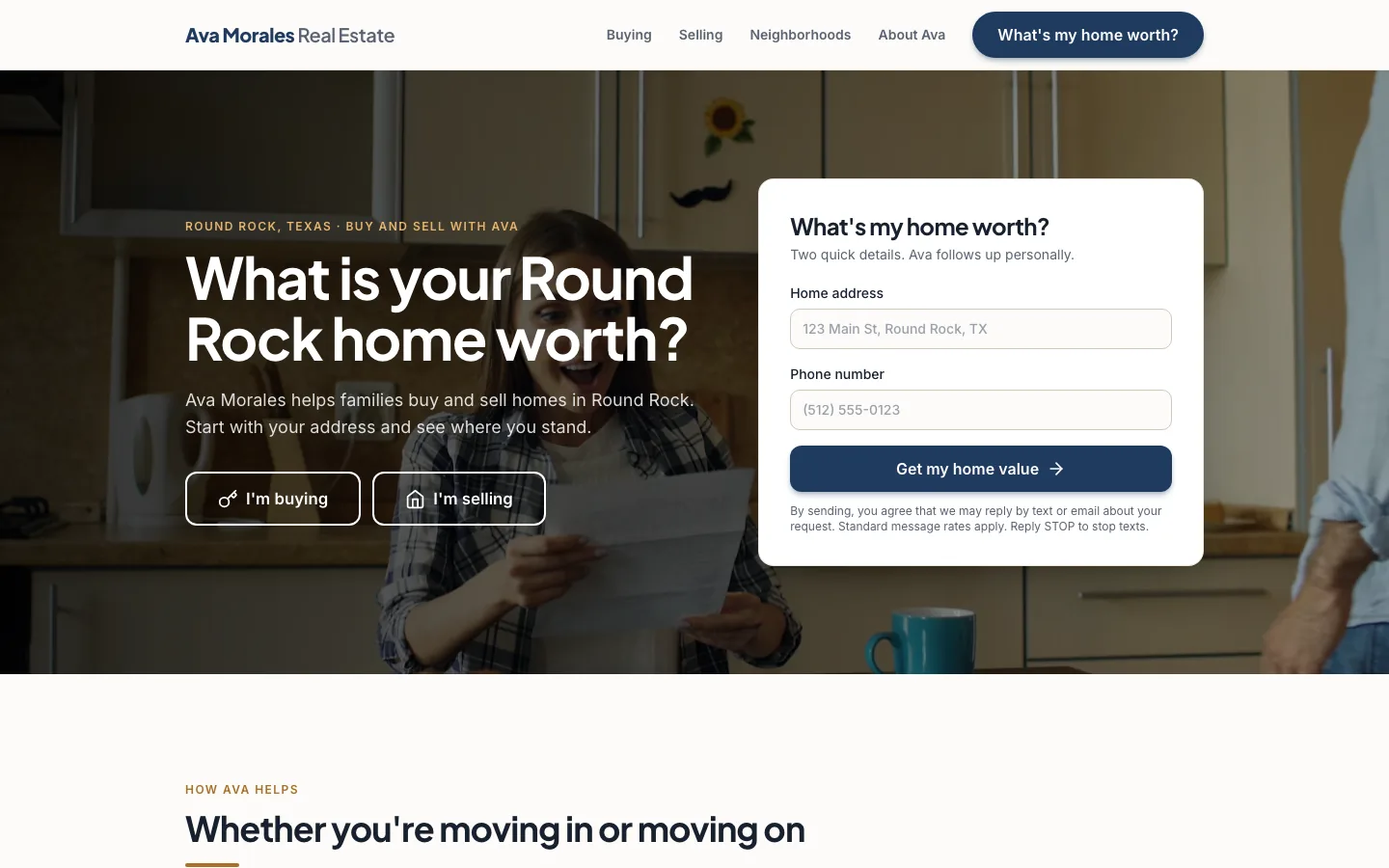 Ava Morales Real Estate Real estate agent, Round Rock
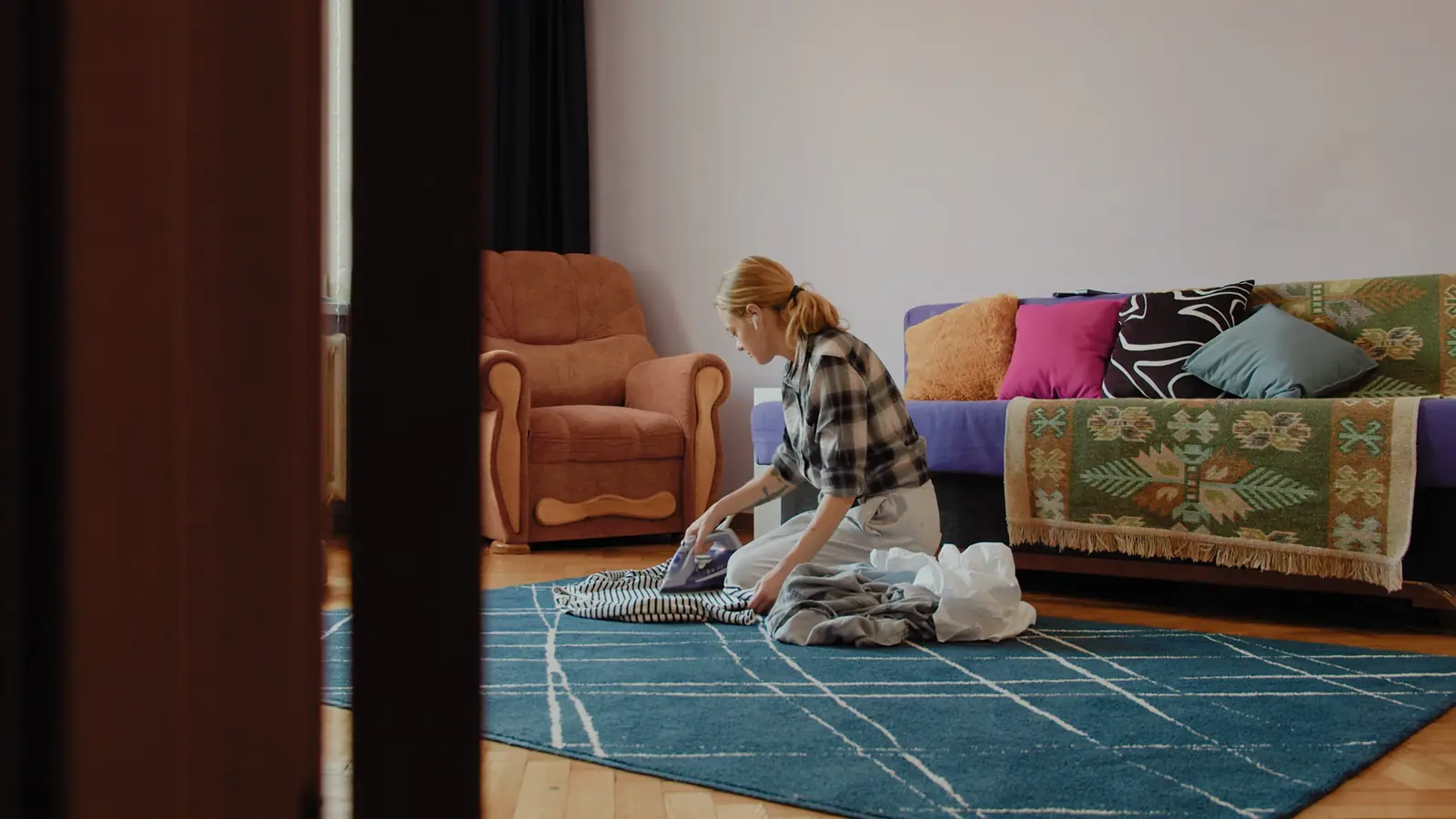
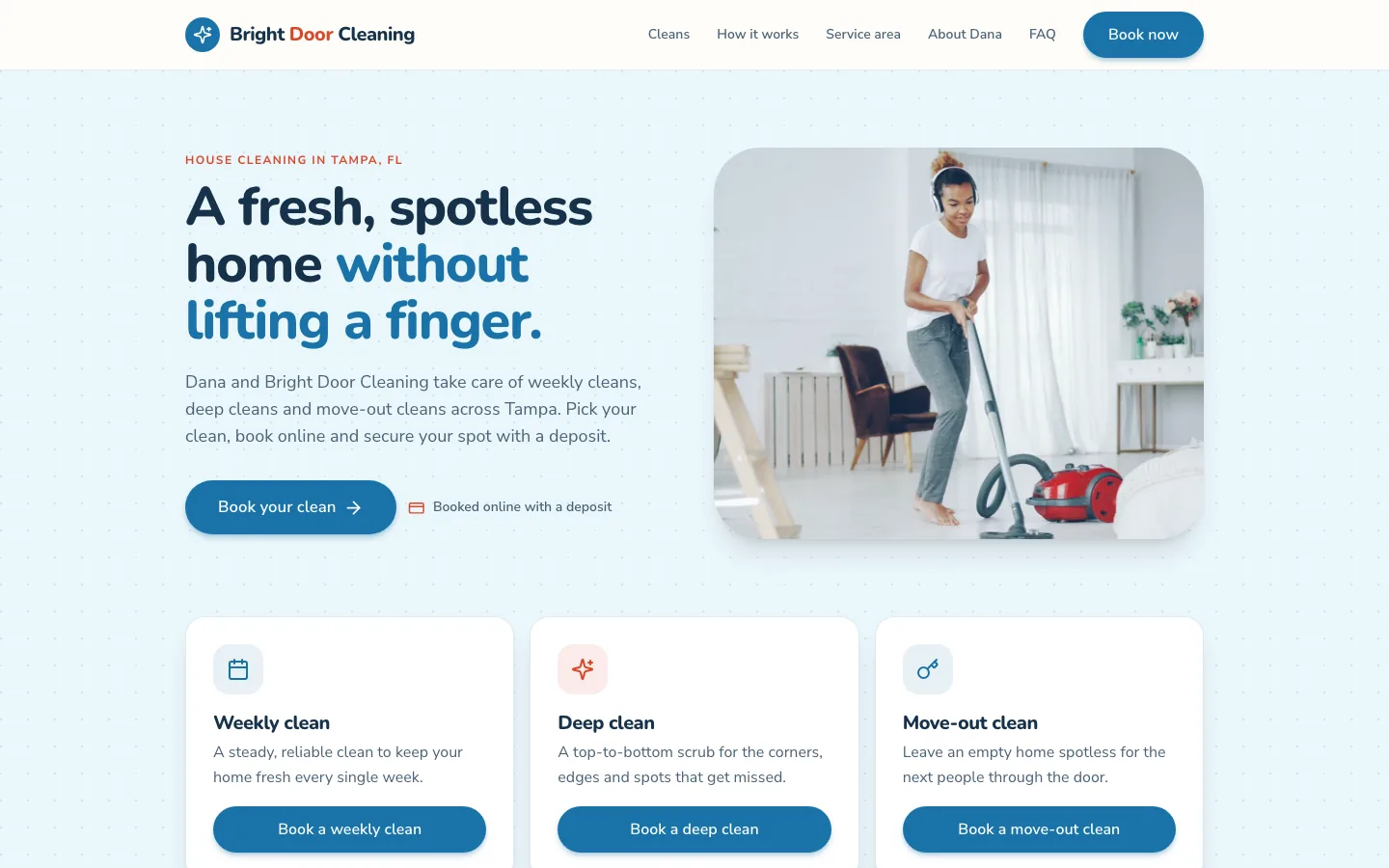 Bright Door Cleaning House cleaning, Tampa
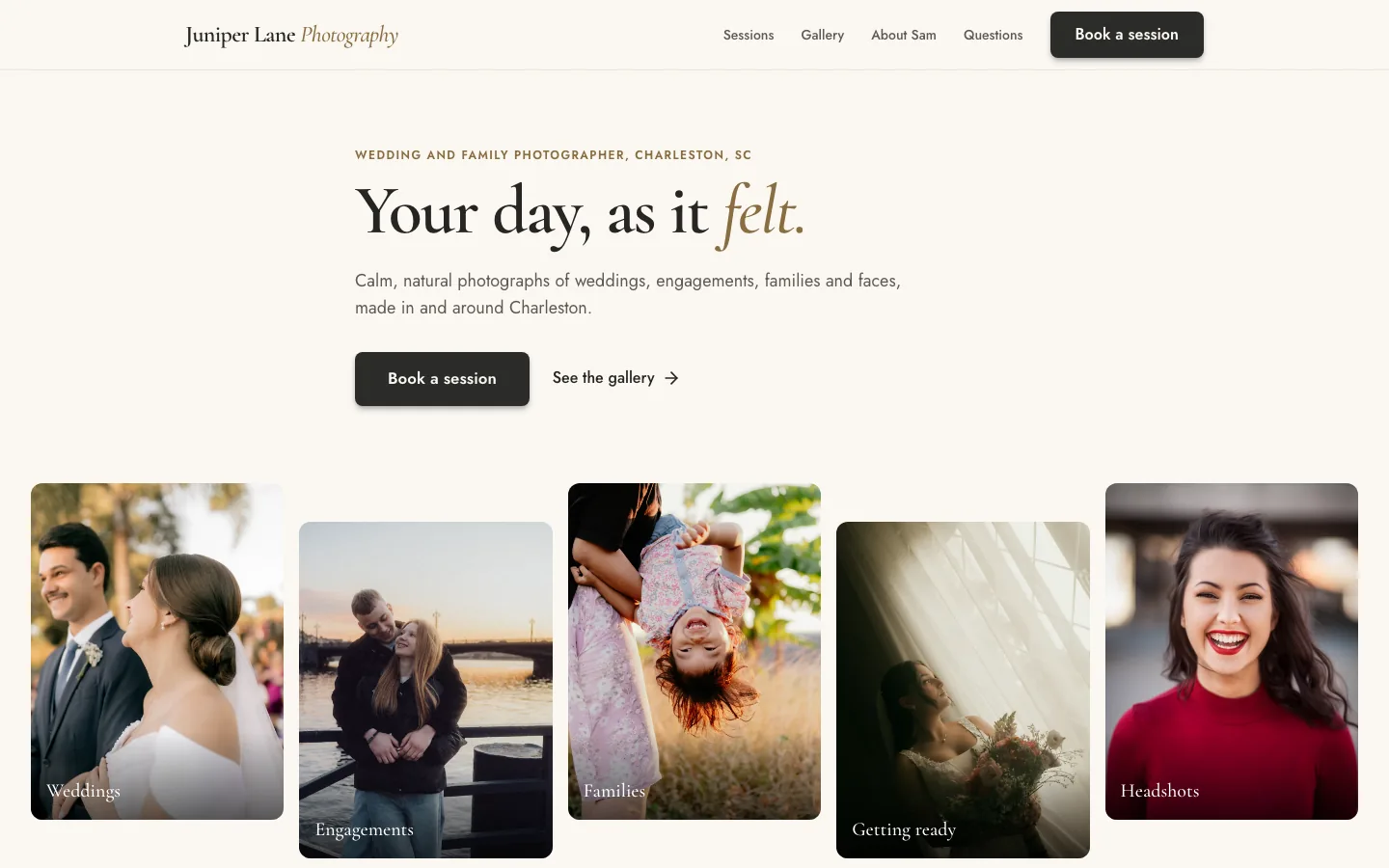 Juniper Lane Photography Photographer, Charleston
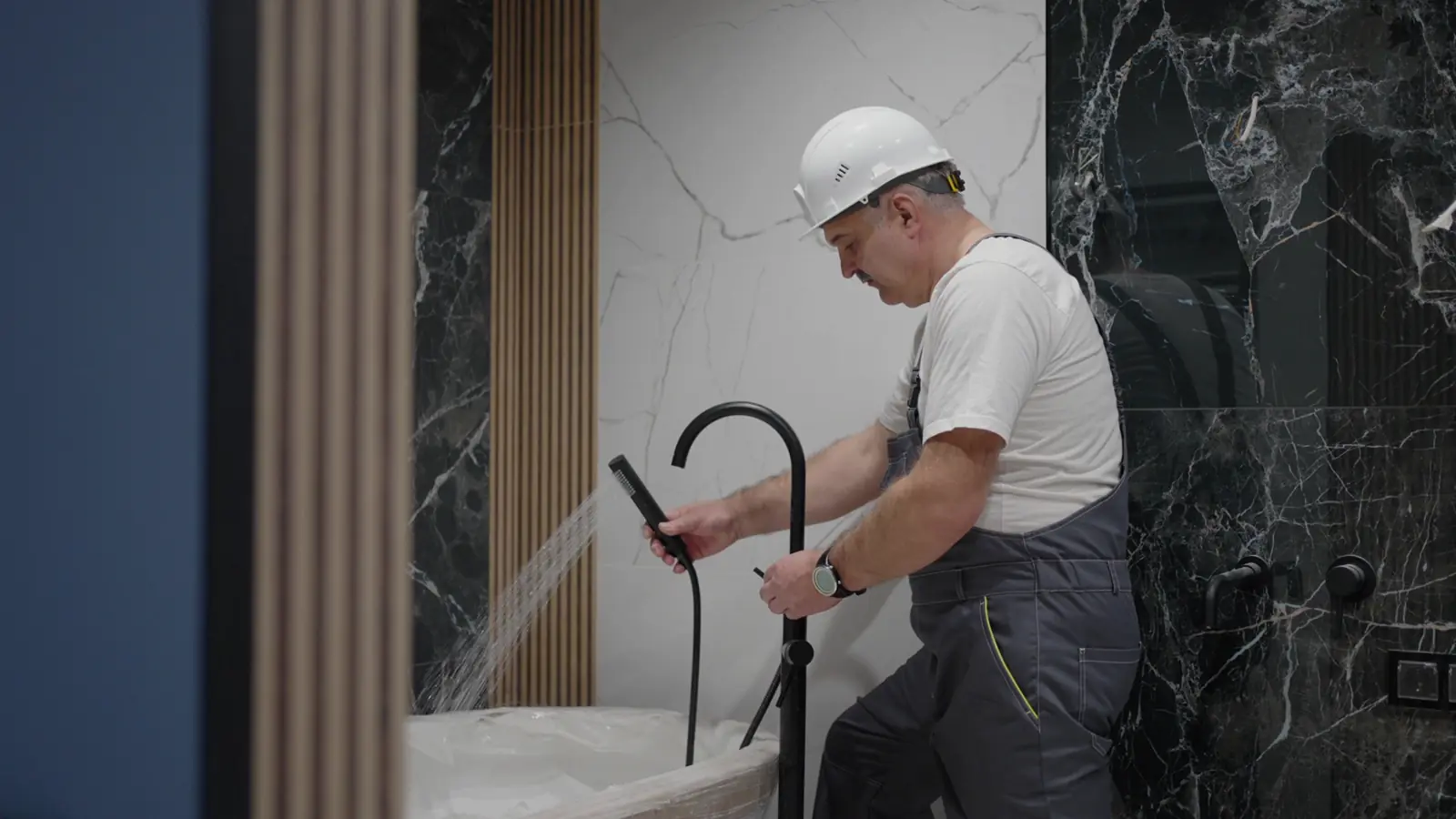
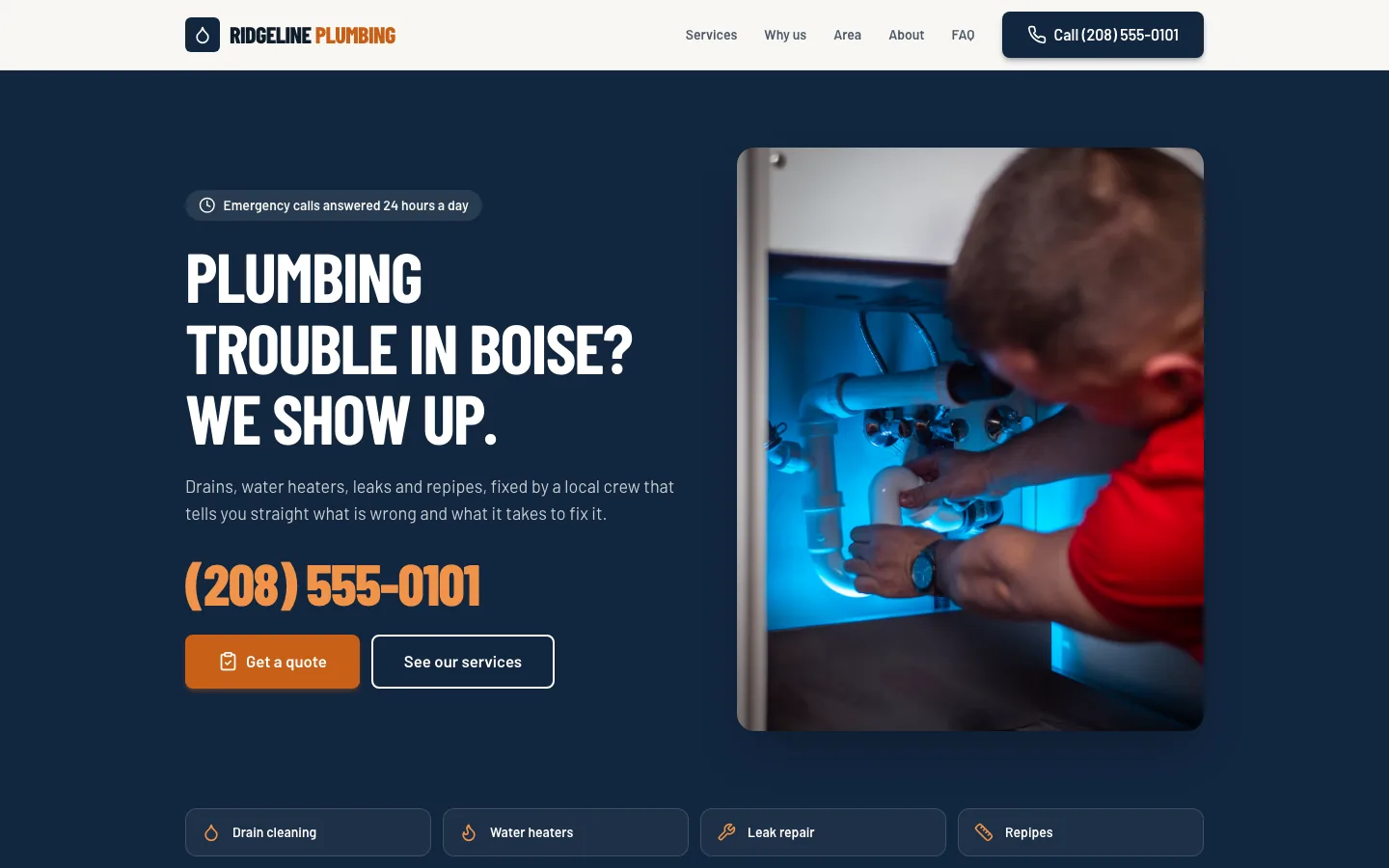 Ridgeline Plumbing Plumbing, Boise
Businesses running on Sitebase
Everything to grow
and run your business.
One place for the website, the bookings, the calls, the calendar, the money and the reviews.
A website you would be proud to send.Say what you do. The pages are written, designed and live in minutes, and you change them by chat. See how it works
AI built for service businesses.
Plumbers, salons, cleaners, agents, photographers and more...










Trusted by the pros.Built for businesses of one to one hundred.
Salons, plumbers, cleaners, agents and photographers run on Sitebase.
10,000+websites built and live
6,500+businesses joined this year
9 hrssaved a week, on average
The facts that matter
for business owners.
0%
75% of people judge a business’s credibility by its website design.
97%
97% of consumers read reviews when choosing a local business.
4 in 5
Nearly 4 in 5 people have walked away from a business after a call went unanswered.
76%
76% of people who search on their phone for something nearby visit a business within a day.
6 in 10
More than 6 in 10 calls to small businesses go unanswered.
Sources: Stanford Web Credibility Research; BrightLocal, Local Consumer Review Survey 2026; CallRail consumer survey, 2025; Think with Google; 411 Locals, small business call study.
Everything a service business
needs to thrive.
Eleven things, switched on from your dashboard. Pick one to see it.
Free for two weeks
Try before you buy.
No card, no demo call, no salesperson. Say what you do and your website is live in about three minutes. Then you get two weeks to take bookings, send invoices and watch the reviews come in. If it has not earned its keep by then, walk away and owe nothing.
Questions go to hello@getsitebase.com.- Minute 3Your website is live.Written and designed from your own words.
- Day 2The first booking lands.While you are on a job.
- Day 14You decide.Keep going from $27 a month, or walk away and owe nothing.
Questions
Do I need to know anything about websites?
No. You tell it about your business the way you would tell a neighbor. It writes the pages, designs them and puts them live. If you can send a text, you can run this.
What if I do not like what it builds?
Tell it. “Make the header darker.” “Fewer words.” “Put the phone number at the top.” It changes it in front of you. Ten changes are free before you decide anything.
Does it really answer the phone?
Yes. Switch the front desk on and your website gets a number of its own. Forward your calls to it when you cannot answer, or put it on your website for after hours. It knows your services, prices and hours, books inside your hours if you allow it, and every call lands in your inbox with a summary. Callers are told the call may be recorded.
Can I use my own domain?
Your website starts on a free Sitebase address. Connect a domain you already own from the dashboard in a few minutes; buying a new one through Sitebase is coming.
Can customers get a price before they book?
Yes. Price your services by what matters, like bedrooms and bathrooms and the kind of clean, and the website gives a price on the spot. They approve it in one click and pay a deposit to hold the time.
Can customers book a regular visit?
Yes. Weekly, every two weeks or monthly, from your own hours. Each visit gets a confirmation and a reminder the day before, and a card on file is charged after each one, with a tip if they like.
What happens when I miss a call on a job?
The front desk picks up in your business’s name, answers the usual questions and books the visit onto your calendar. If a call still slips through, the caller gets a text back right away so they do not move on to the next name.
Do I need a new phone number?
No. The front desk gets a number of its own. Forward your calls to it when you cannot answer, or put it on the website and keep your own number for yourself. Customers can text it too, and every text lands in the same inbox as your website chat and your Google and Facebook messages.
How do I get more Google reviews?
After every finished job, the customer gets a text with a link to your Google review page, and a reminder if they forget. Everyone is asked, the way Google allows, and one link stops it for anyone who would rather not be.
Does it work for my kind of business?
If you book jobs, yes. House cleaners, plumbers, landscapers, painters, electricians, salons, photographers and the rest of the trades that quote, book, do the work and get paid. Say what you do and it builds for that.
What does it cost?
Free to start, no card, for two weeks. Then $27, $47 or $97 a month per website, by what it does for you, and a year for the price of ten months. The plans are on the pricing page.
Can I sell products on it?
No, and that is on purpose. Sitebase is for businesses that do work for people. It books, quotes and invoices; it does not keep stock or ship boxes. If you sell things in boxes, Shopify is the right tool.

Tell us about your business.
About three minutes. No card. You will know by lunch whether this is for you.
Free to start. No card. Live in about three minutes.